 Open source · Apache 2.0 · Zero dependencies
The speedtest for local LLMs on Apple Silicon.Give your AI agents
eyes on inference
Benchmark Ollama, LM Studio, mlx-lm, llama.cpp and six more engines head-to-head — tok/s, TTFT, power and thermal, from one command.asiai's REST API lets your AI agents monitor, diagnose, and optimize local LLM infrastructure autonomously.
{
  "chip": "Apple M4 Pro",
  "ram_gb": 64.0,
  "memory_pressure": "normal",
  "gpu_utilization_percent": 45.2,
  "engines": {
    "ollama": { "running": true, "models_loaded": 2 },
    "lmstudio": { "running": true, "models_loaded": 1 }
  }
}
{
  "system": {
    "chip": "Apple M4 Pro",
    "gpu_cores": 20,
    "gpu_utilization_percent": 45.2,
    "thermal_state": "nominal"
  },
  "engines": [{
    "name": "ollama",
    "models": [{ "name": "qwen3.5:latest", "size_params": "35B" }]
  }]
}
The Local LLM Problem
Sound familiar?
Fragmented
Ollama, LM Studio, mlx-lm — each with its own CLI, formats, and metrics. No common ground.
Blind
No real-time VRAM monitoring, no power tracking, no thermal alerts. You're flying blind.
Manual
Benchmarking means curl scripts, copy-pasting numbers, and comparing in spreadsheets.
One CLI. Four surfaces.
Everything installs with the binary — no plugins, no config files to start.
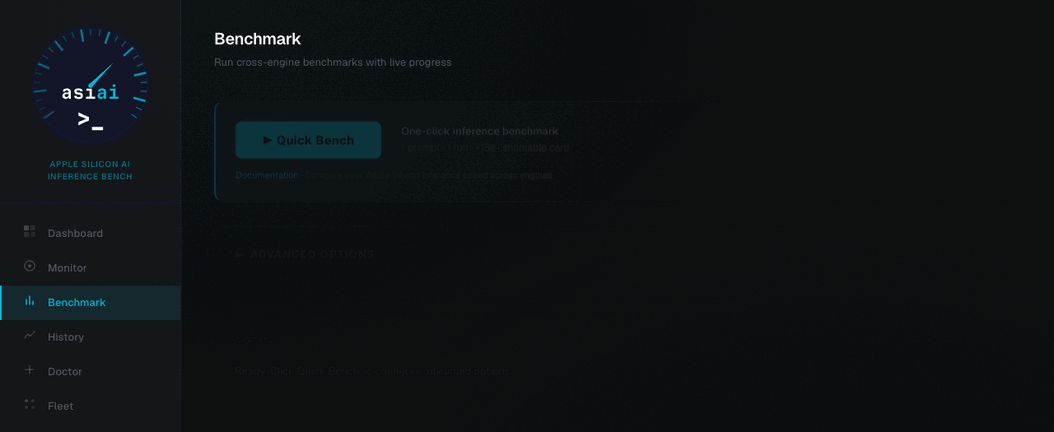
Bench any engine
7 bench types — throughput, burst, agentic, quality, context, energy, versions. MLPerf-style: warmup, median, greedy decoding, CI95.
$ asiai bench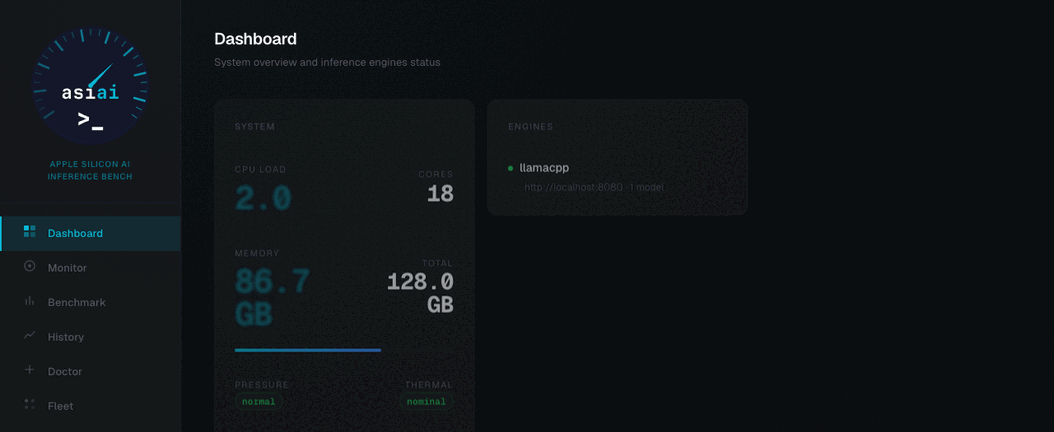
Live dashboard
GPU, VRAM, power and thermal in real time via passive IOReport — live gauges, sparklines, benchmark controls.
$ asiai web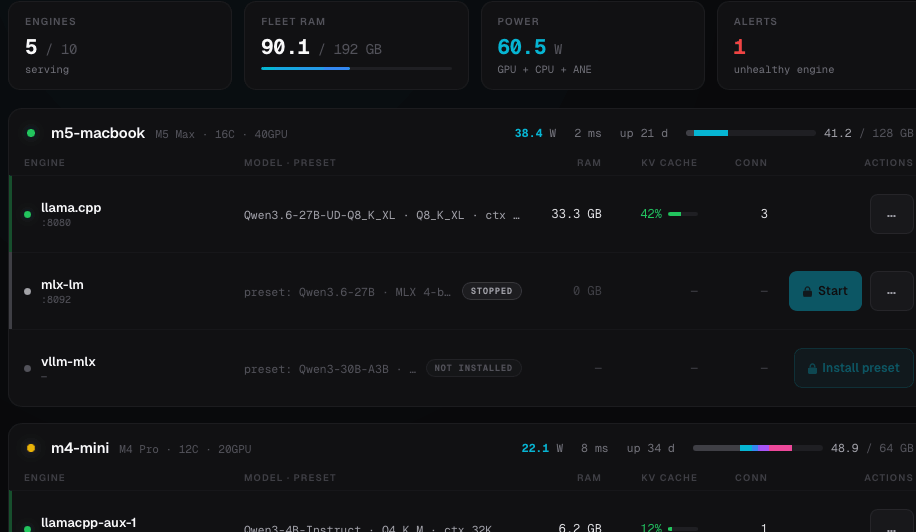
Fleet cockpit
Every Mac on your network on one screen — engines, loaded models, KV cache, power and alerts, with operator controls.
$ asiai fleetCommunity leaderboard
Share benchmarks anonymously and see what other Macs achieve on the same chip — in the terminal or on the web.
$ asiai leaderboardWhat Will You Discover?
Real questions from r/LocalLLaMA, answered in one command.
“Which engine is fastest?”
Head-to-head comparison — the #1 question on r/LocalLLaMA.
“Monitor a multi-agent swarm”
LLMs running 24/7 for AI agents — track VRAM, thermal, and performance.
“Compare energy efficiency”
tok/s per watt between engines. Critical for 24/7 Mac Mini homelabs.
“Detect regressions after updates”
Did the Ollama or macOS update break your performance? Auto-detection via SQLite.
“Test long context support”
--context-size 64k benchmarks. Does your model survive 256k context?
“Is my Mac thermal throttling?”
Drift detection across benchmark runs. Unique to asiai.
“Reproducible benchmarks”
MLPerf/SPEC methodology. Warmup, median, greedy decoding. Share with confidence.
“Health check in one command”
asiai doctor diagnoses system, engines, and database with fix suggestions.
“Visual dashboard”
Dark/light web dashboard with live charts, SSE progress, benchmark controls.
“Compare LLMs head-to-head”
Same engine, different models. Which quantization wins?
“Prometheus + Grafana monitoring”
Expose /metrics, scrape with Prometheus, visualize in Grafana. Production-grade observability.
“Track AI agent inference”
GPU activity, TCP connections, KV cache — know when your agents are thinking, idle, or overloaded. API-ready for swarm orchestrators.
Up and Running in 60 Seconds
Three commands. That's it.
Install
Detect
Benchmark
Real Discoveries
Numbers from actual benchmarks on Apple Silicon.
MLX vs llama.cpp
MLX is 2.3x faster for MoE architectures (Qwen3.5-35B-A3B) on Apple Silicon.
VRAM: 64k → 256k
VRAM stays constant from 64k to 256k context with DeltaNet — not documented anywhere else.
Engine > Model
Same model, same Mac: 30 tok/s on one engine, 71 tok/s on another. The engine matters more.
Supported Engines
Auto-detected, zero configuration needed.
Port 8000 is shared by oMLX, vllm-mlx, vMLX and Rapid-MLX — asiai disambiguates them via /v1/models.
What We Measure
8 metrics, consistent methodology, every run.
tok/s
Generation speed (tokens/sec)
TTFT
Time to first token
Power (W)
GPU power draw in watts
tok/s/W
Energy efficiency
Stability
Run-to-run variance
VRAM
GPU memory footprint
Thermal
Throttling state
Context
Long context perf scaling
Fastest in the community
Live data from real Macs, 90-day window. Anonymous by design.
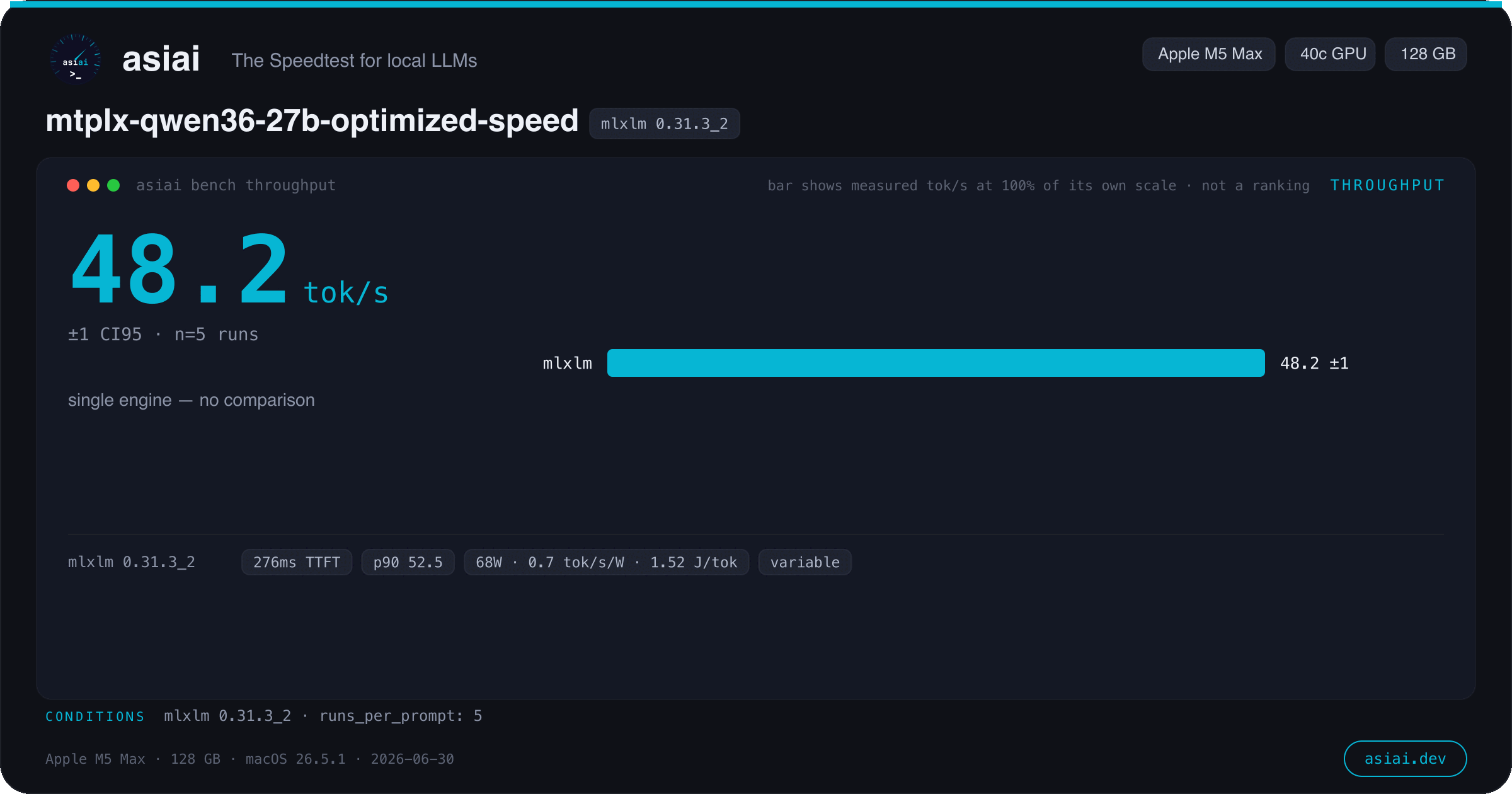
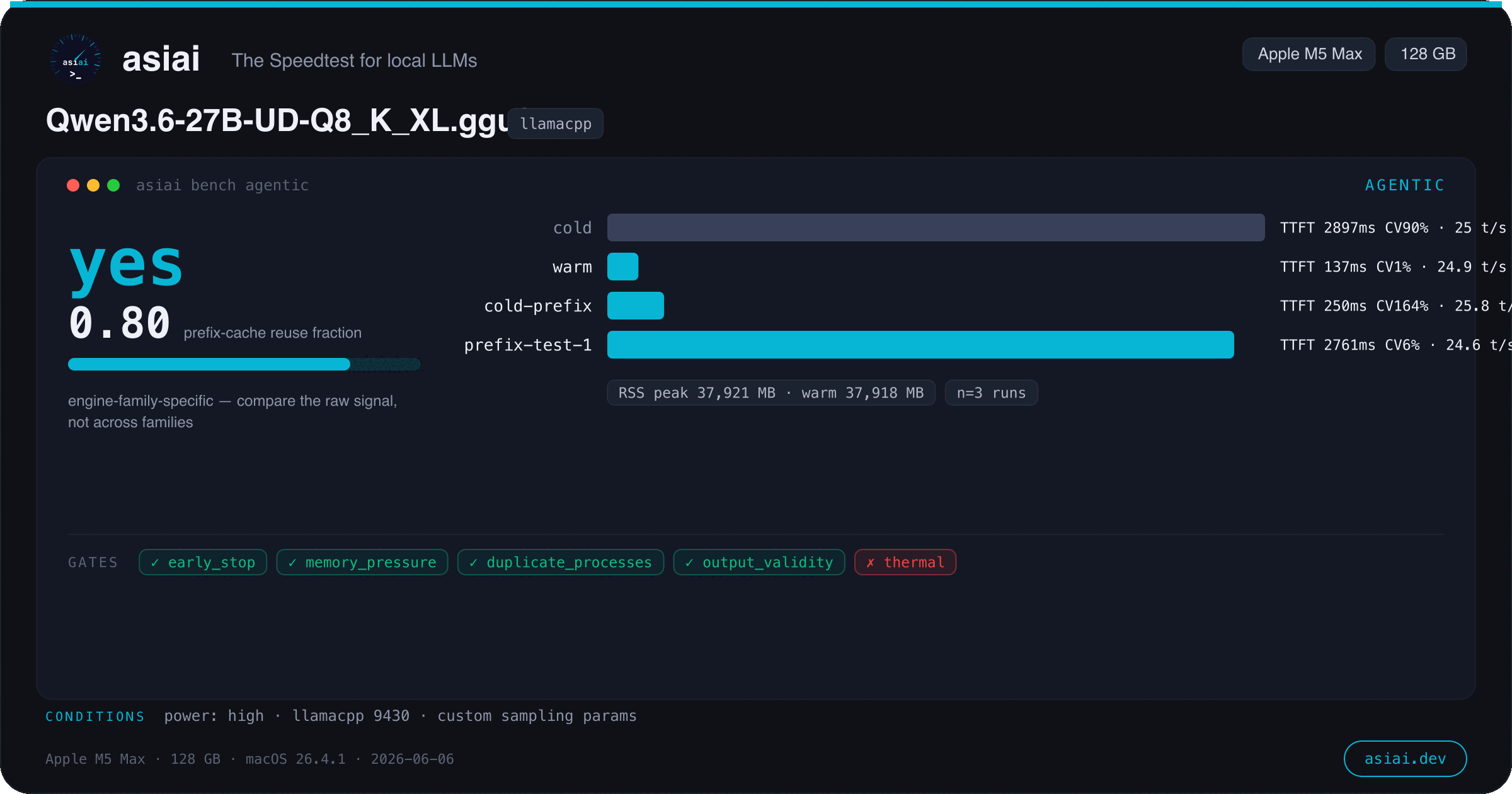
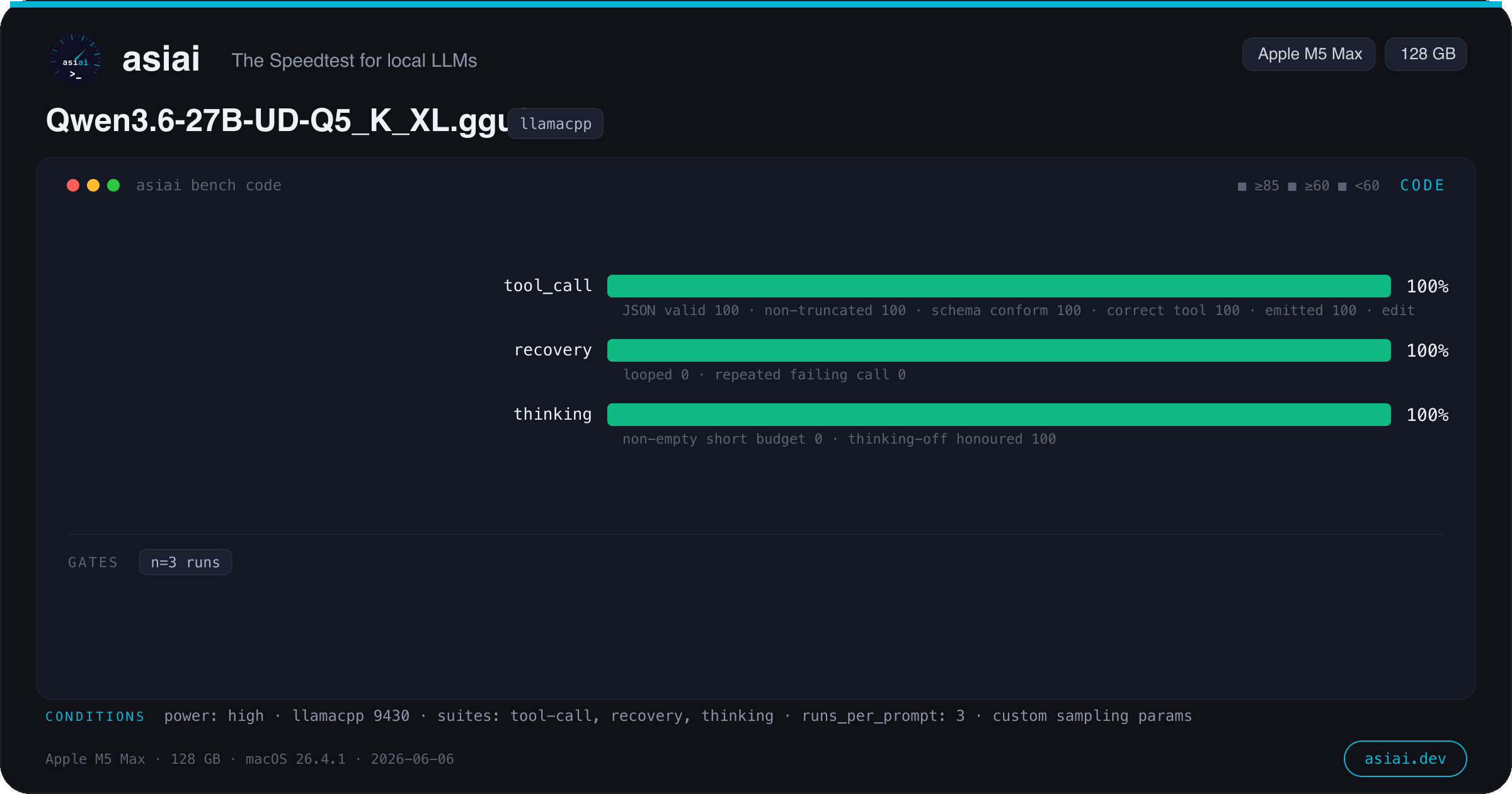
One command. One shareable card.
Every bench type renders a 1200×630 image — model, chip, measured medians, honesty gates. Made for Reddit, X and Discord.